
MIS Department Policy & Procedure
New Employees on the Intranet Homepage
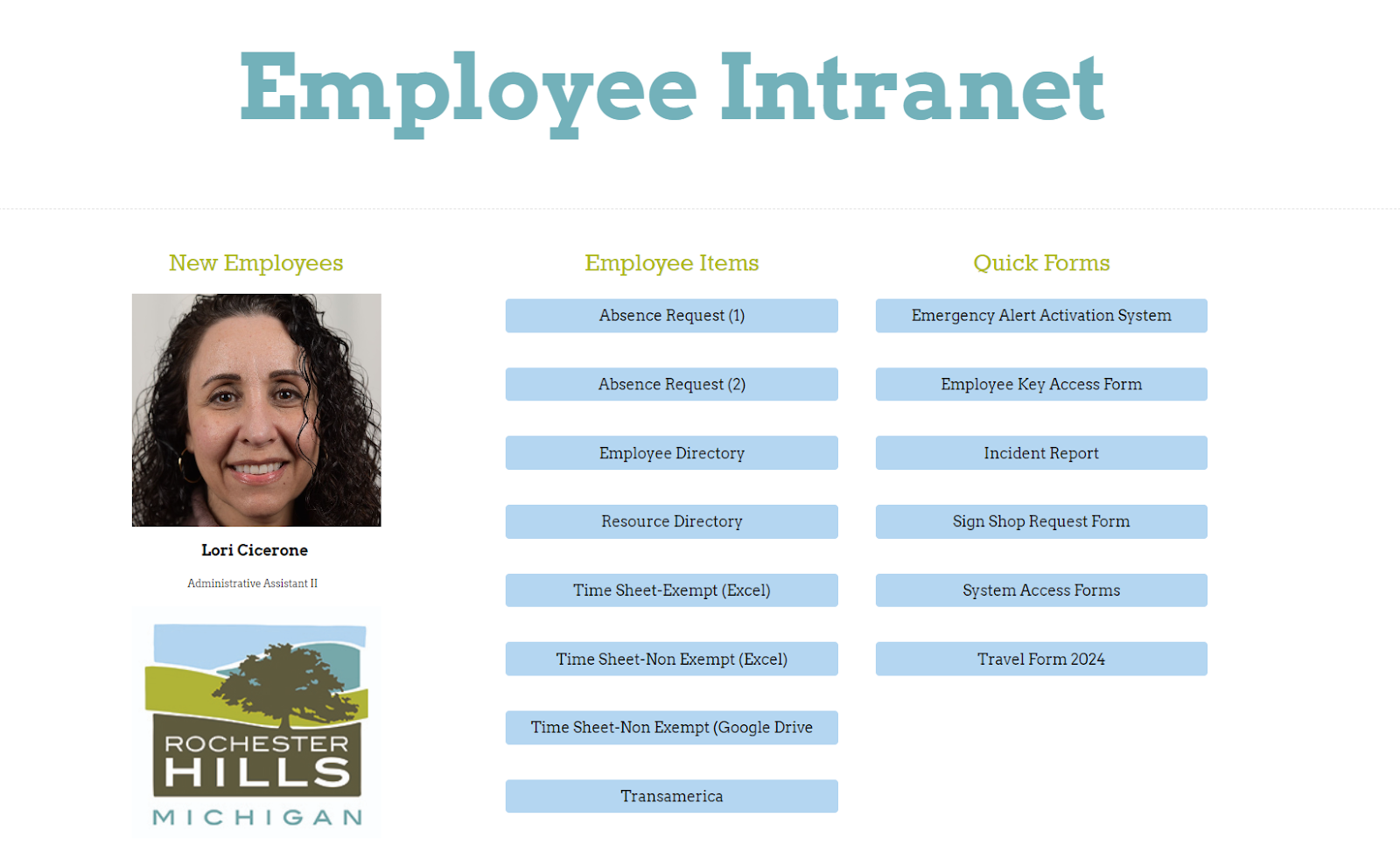
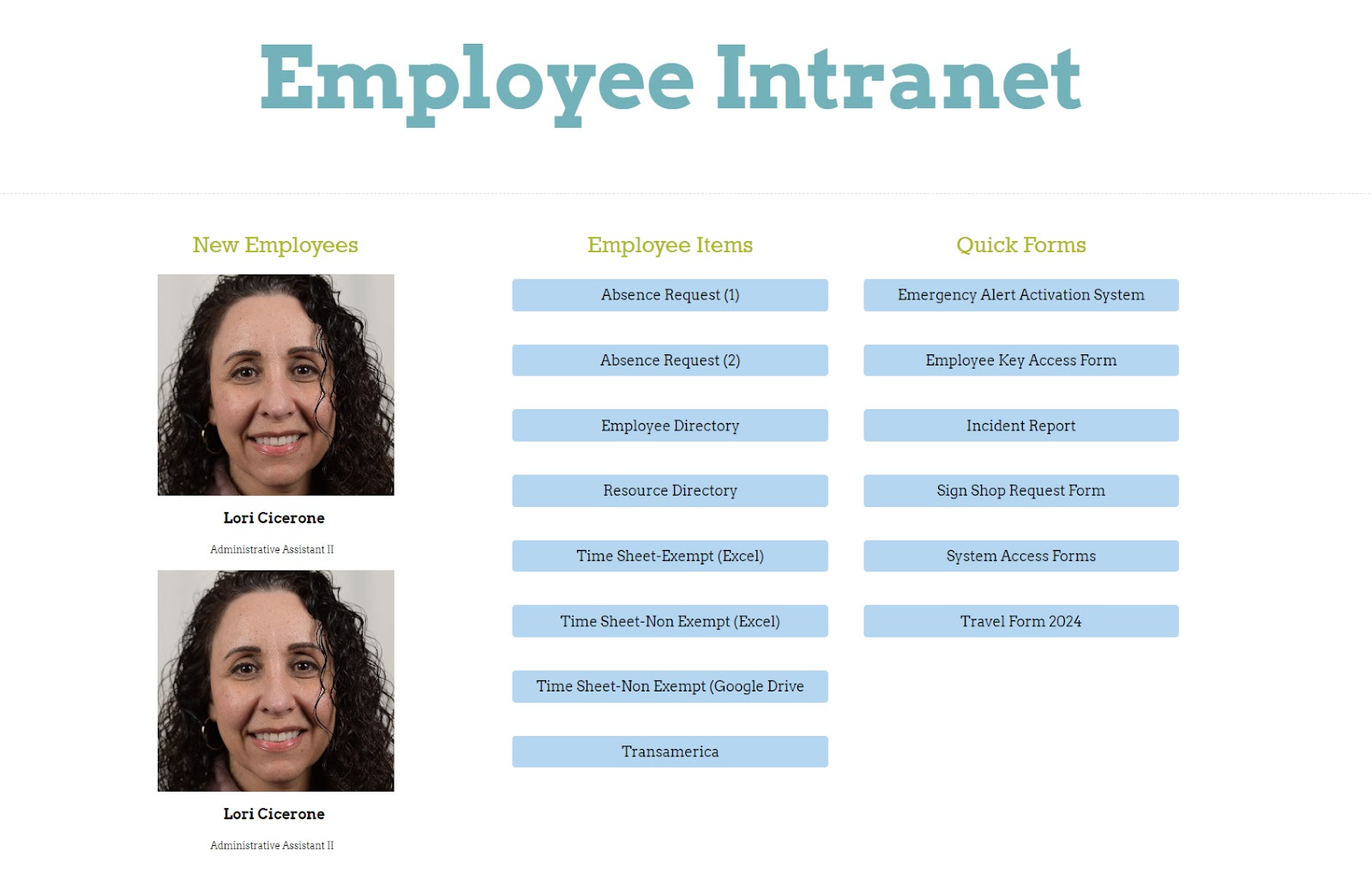
There are two blocks on the front of the intranet that are placeholders for new staff.
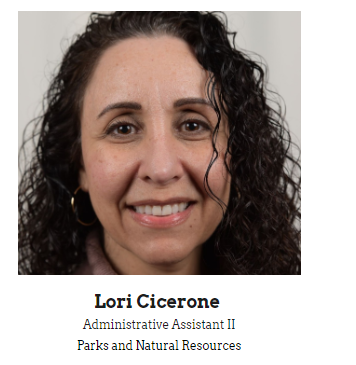
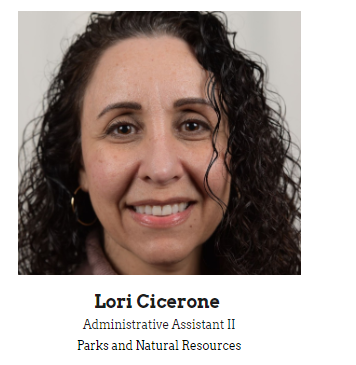
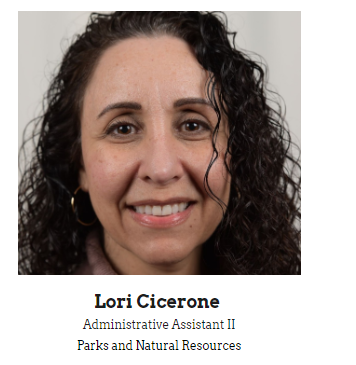
Photo fits the square the placeholder uses.
Text is Name and Title, in the same format used in the Employee Directory.
Two photos at one time. If three or more employees are hired at the same time, choose two to feature for 1 business week, then remove and add the remaining, 2 at a time.
Photos stay up for 1 business week only.
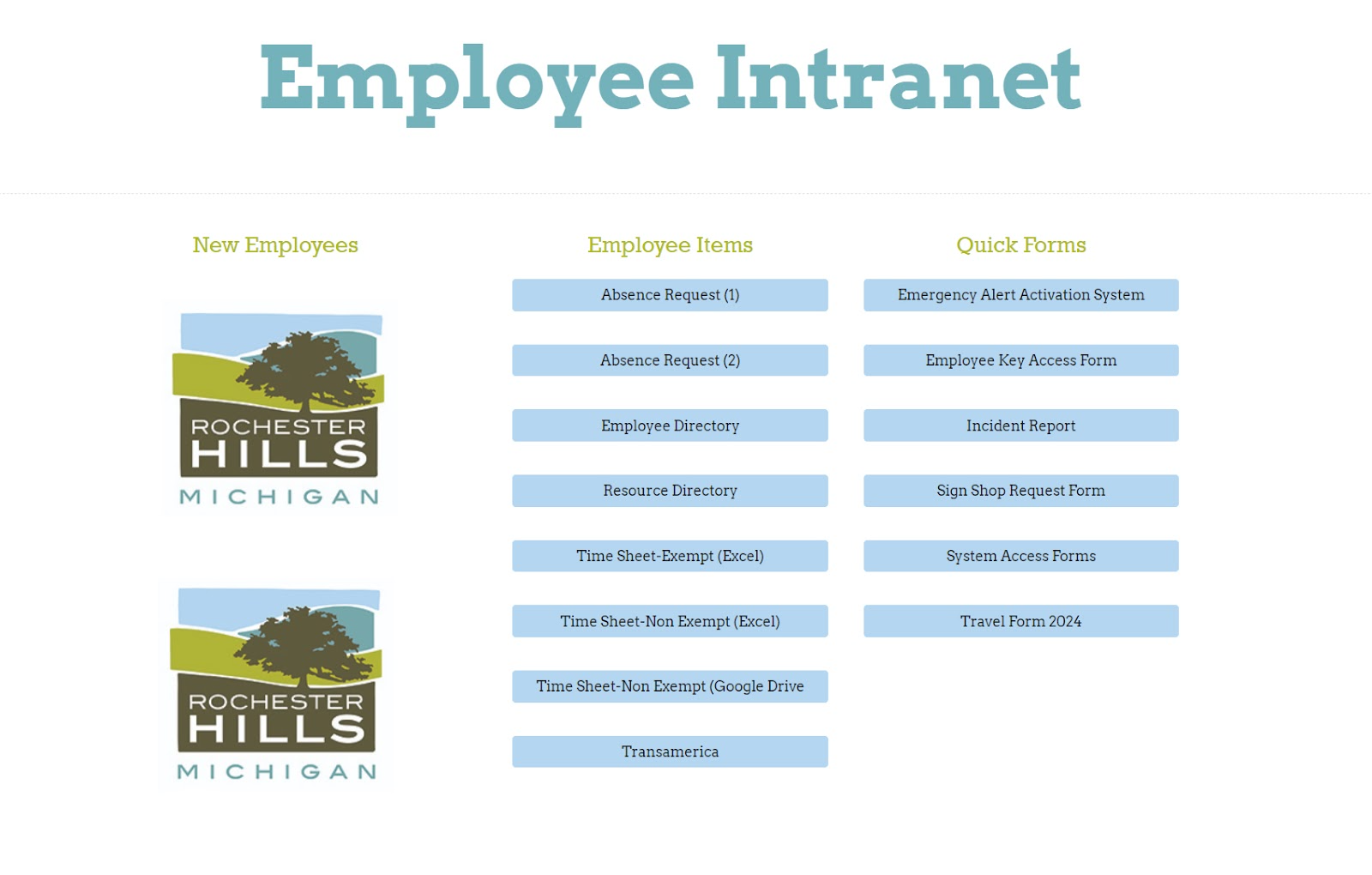
When there are no new employees, put the city logo back up with no text.
Examples below.
One New Employee
Two New Employees
No New Employees
Was this article helpful?
That’s Great!
Thank you for your feedback
Sorry! We couldn't be helpful
Thank you for your feedback
Feedback sent
We appreciate your effort and will try to fix the article