
MIS Department Policy & Procedure
Quick Web Update Guide
Go to website
Scroll to the footer and click Log In
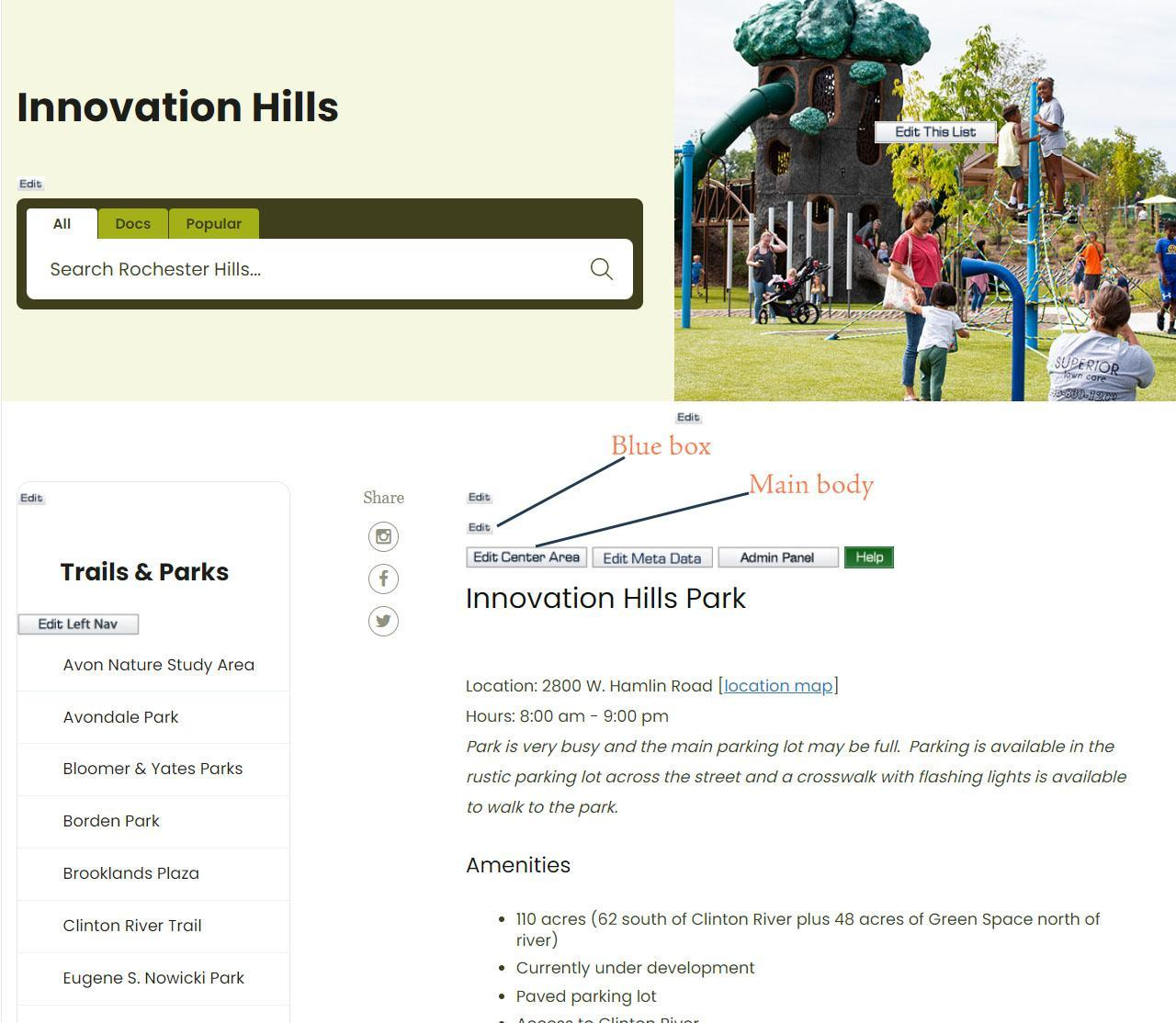
Once logged in, navigate to the page you want to change.
Click the Edit button for the section you want to change.
Make the changes needed.
Click Save
If you need to add photos or anything more than text edits, view the style guide here.
Was this article helpful?
That’s Great!
Thank you for your feedback
Sorry! We couldn't be helpful
Thank you for your feedback
Feedback sent
We appreciate your effort and will try to fix the article