Share a Large File Outside of Our

Organization
1Upload your file to a location in Google Drive where you want to store the information.
1
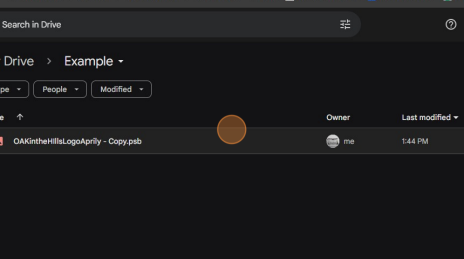
2 Open the Share Menu
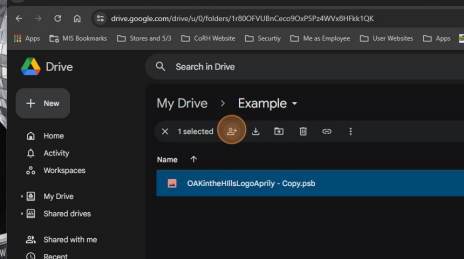
3 Type the email address of the recipient in the search field.
2
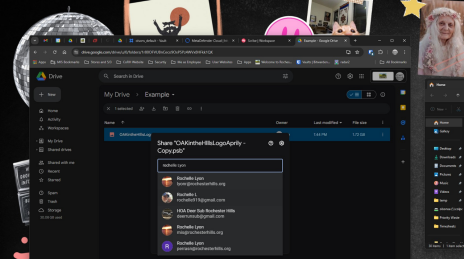
4 Select the email address you want to use.
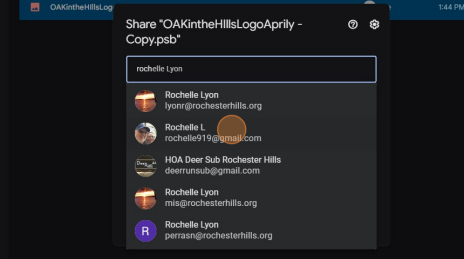
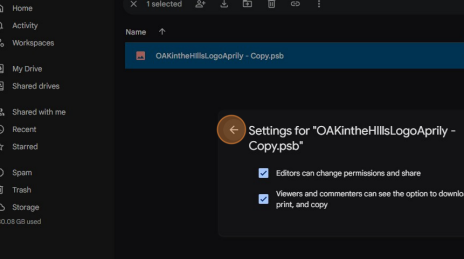
5In this example, I chose to make the external user an Editor. To view the settings for that selection, click the "Settings" gear.
3
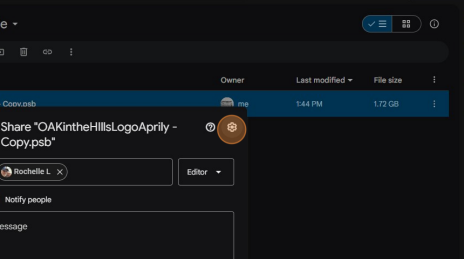
6 Verify these choices are accurate for your situation.
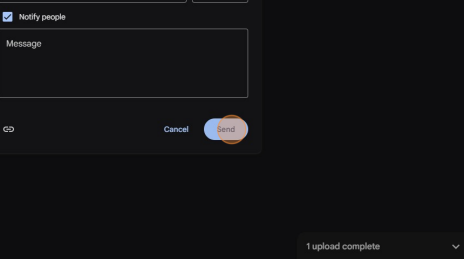
7 Click "Send"
4
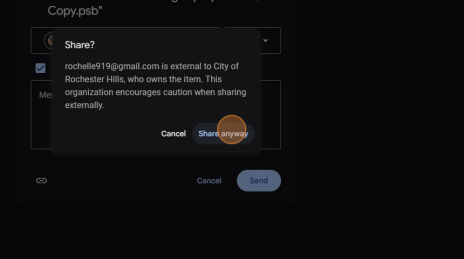
8 A security message will pop up. If you want to proceed, click "Share anyway"
9 To double check who has access, you can click "More actions"
5
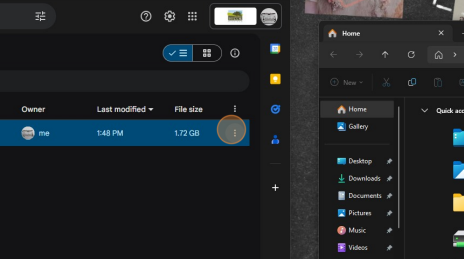
10 Click "Share"
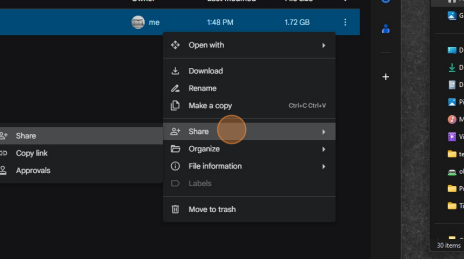
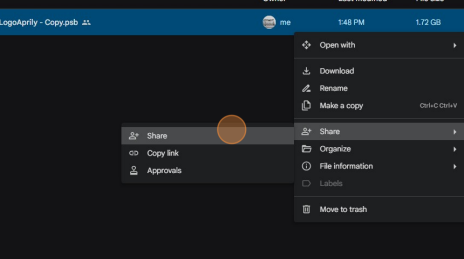
11 Click "Share" again
6
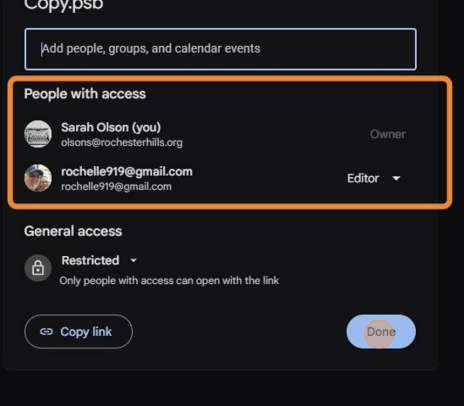
12 View the list and make sure it is correct. Click "Done" when you have completed your double check. You are done!
7
Was this article helpful?
That’s Great!
Thank you for your feedback
Sorry! We couldn't be helpful
Thank you for your feedback
Feedback sent
We appreciate your effort and will try to fix the article