How to revoke user access in

BitWarden
1 Login to your account
1
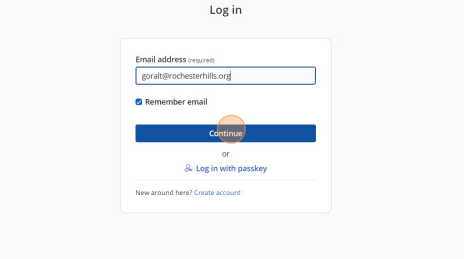
2If you are an Administrator, you can use your password or login through SSO by clicking Enterprise signle sign-on.

3 Click on Admin Console
2
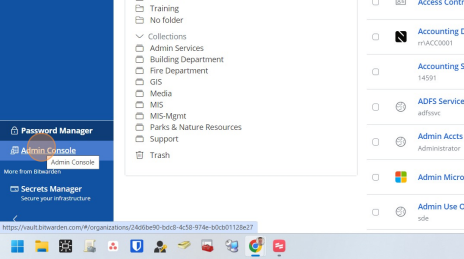
4 Click here
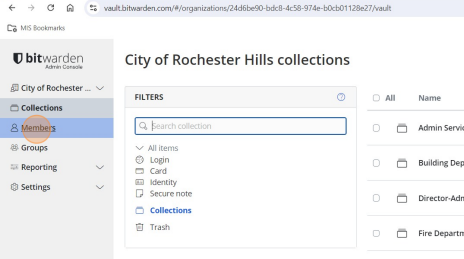
5 Click here
3
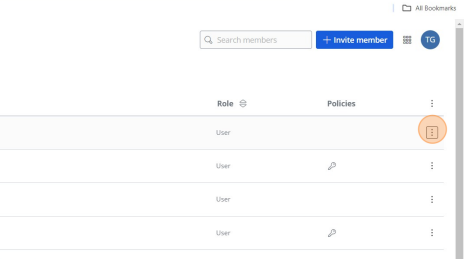
6 Click here
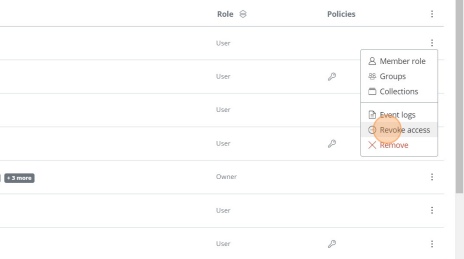
7
4
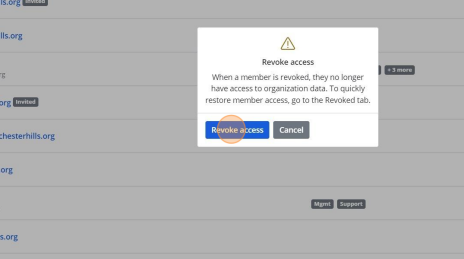
8 You can verify the user is revoked here
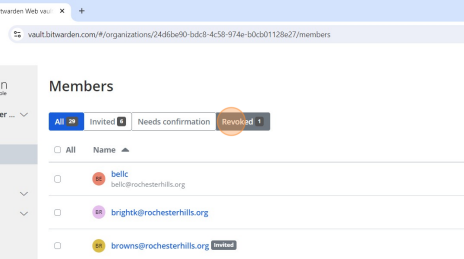
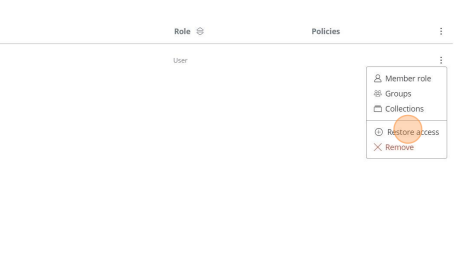
9If you want to re-enable an account at some point. Find the user, click on these three dots and click restore access.
5
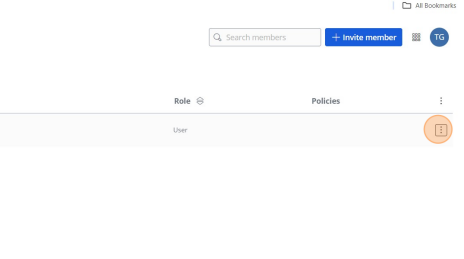
10 Right click here
6
Was this article helpful?
That’s Great!
Thank you for your feedback
Sorry! We couldn't be helpful
Thank you for your feedback
Feedback sent
We appreciate your effort and will try to fix the article