How to Get to the Computer
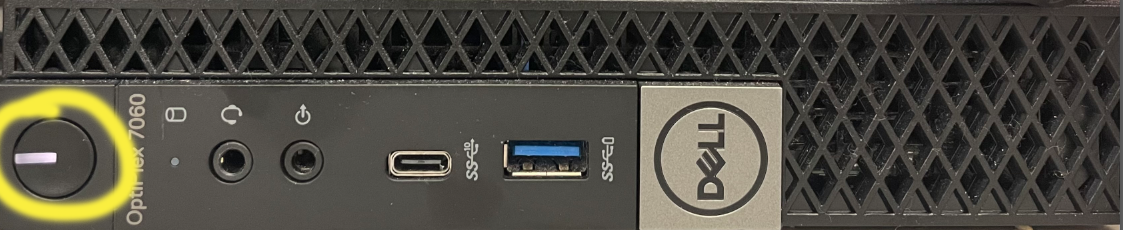
Make sure the computer is turned on. If you see the white line of light turned on in the power button, move to the next step. If not, press the button to turn on the computer. This will take a few minutes to load.
Press the Jamboard input selection button to display your computer screen. You might have to press the input button more than once. When facing the board, the input button is on the rear panel, above the volume and power buttons.
Log in and have fun!
Was this article helpful?
That’s Great!
Thank you for your feedback
Sorry! We couldn't be helpful
Thank you for your feedback
Feedback sent
We appreciate your effort and will try to fix the article