
MIS Department Policy & Procedure
How to View Google Group Members
Click the Apps checker box and choose Groups
Click Browse all
Find the group you want to look at and click on it (they are not in alpha order)
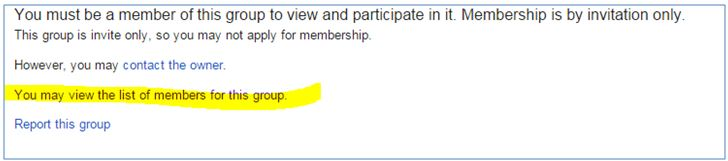
Click the link "You may view the list of Members for this group" to see who the members are.
Was this article helpful?
That’s Great!
Thank you for your feedback
Sorry! We couldn't be helpful
Thank you for your feedback
Feedback sent
We appreciate your effort and will try to fix the article