Programming Meters With Unipro (revised Nov. 2013)
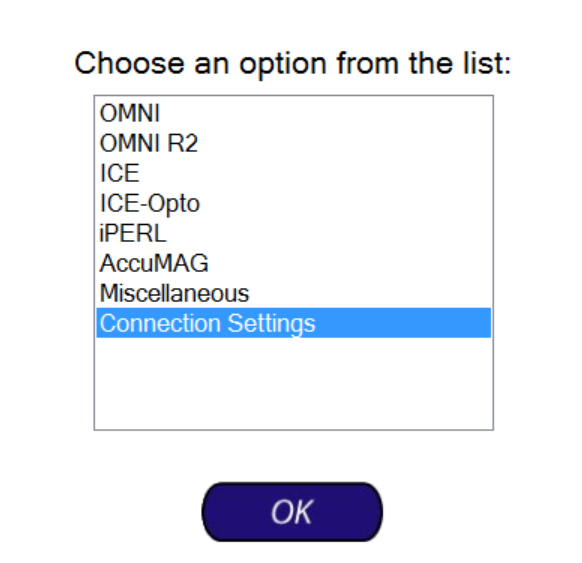
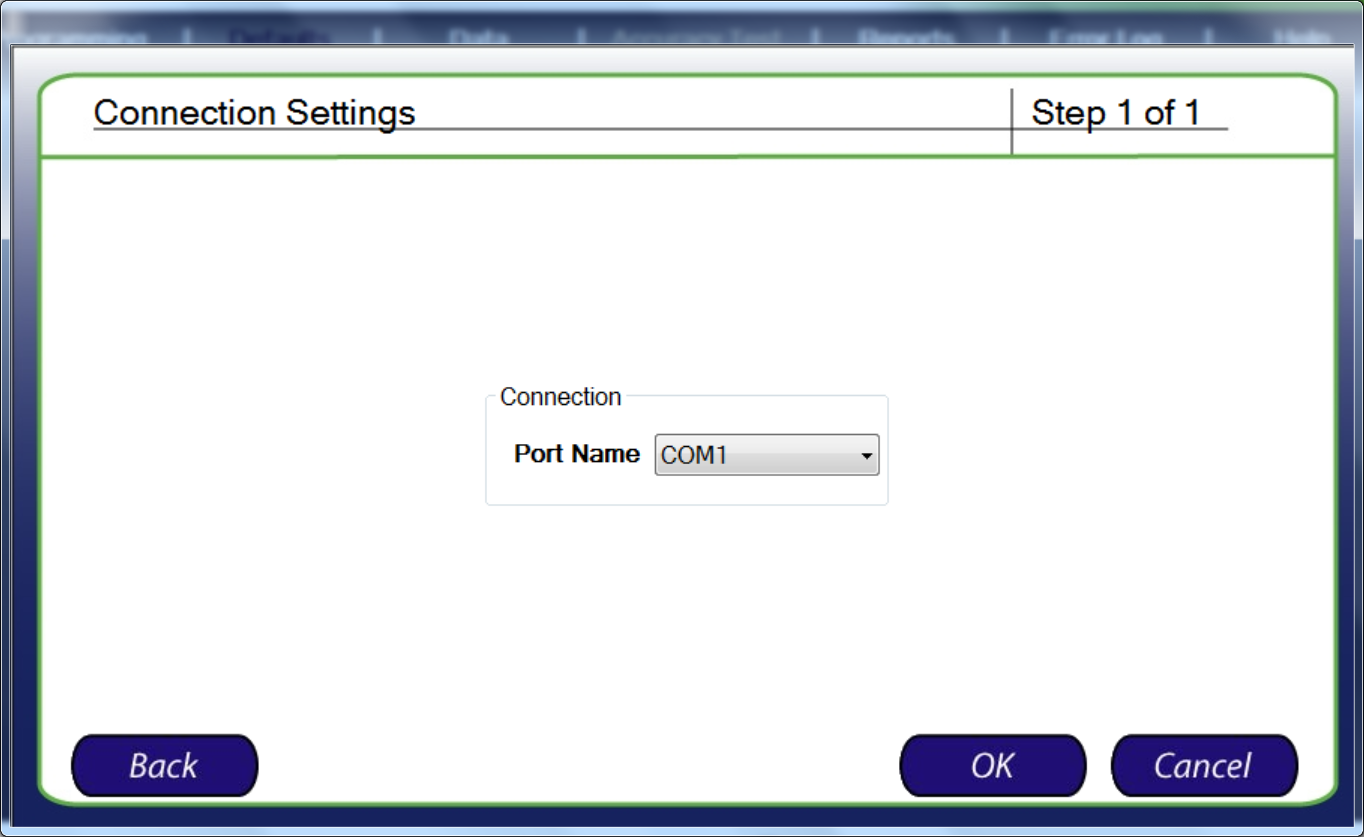
Before starting plug the programmer into a USB Port in the rear of the PC, located on the RIGHT hand side when viewed from the back of the PC, and make sure the Unipro settings under "Defaults", and then "Connection Settings" is set to COM1:
Step 1: Click on "Perform Programming".
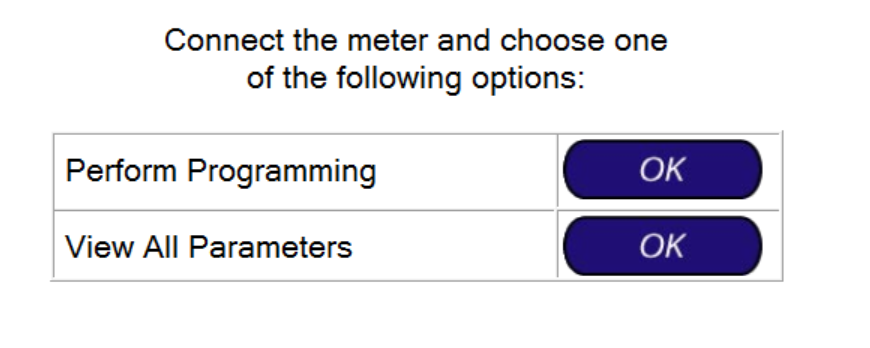
Step 2: Click "OK".
Step 3: Click "OK".
Step 4: Click "OK".
Step 5: When a warning message about erasing setting on the meter is displayed, click "Yes".
Step 6: Click "OK".
Step 7: Click "OK".
You should then see a message that the programming was completed.
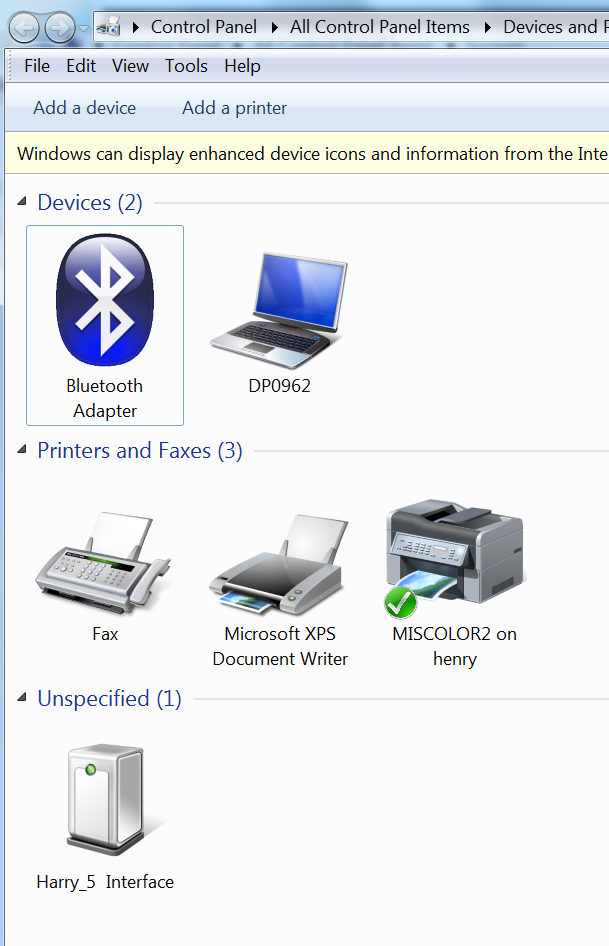
Note: In Control Panel\Hardware and Sound\Devices and Printers you should see a device named "Harry_5 Interface”:
Was this article helpful?
That’s Great!
Thank you for your feedback
Sorry! We couldn't be helpful
Thank you for your feedback
Feedback sent
We appreciate your effort and will try to fix the article